Hey there, fellow gamers! As someone who’s spent over a decade knee-deep in the world of game controllers, I can tell you that few things are as crucial to your gaming experience as the device in your hands. And when it comes to refining an already fantastic design, the Xbox Series X controller truly shines. It’s not about reinventing the wheel, but rather perfecting every curve, button, and connection to deliver an unparalleled gaming journey. Get ready to dive deep into what makes this controller a true staple for any serious gamer, from its core features to advanced maintenance tips.
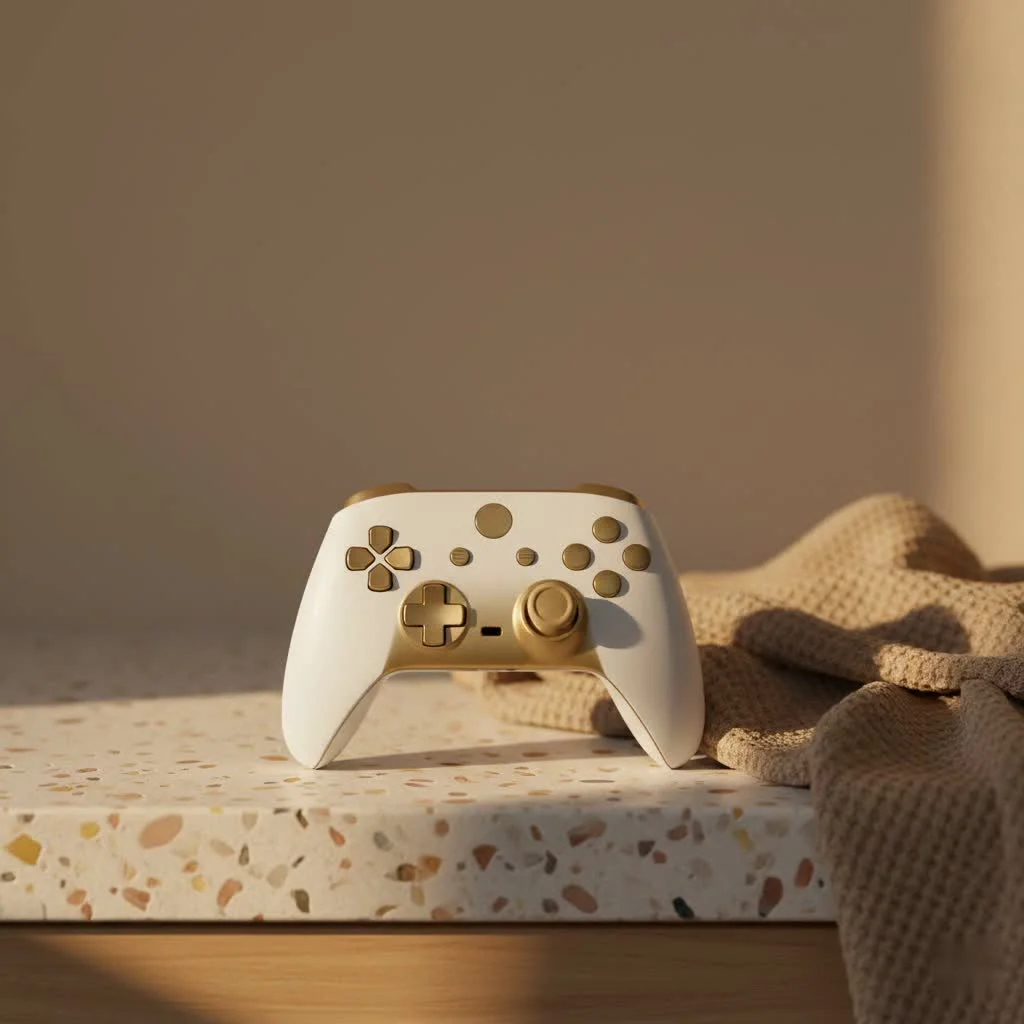
What Makes the Xbox Series X Controller Stand Out?
The Xbox Series X controller embodies a philosophy of iterative improvement, building upon the beloved foundation of its predecessors with thoughtful enhancements that elevate your gameplay. It’s a testament to the idea that sometimes, the small changes make the biggest difference. For more gaming controller guides on this site.
The Refined Design and Ergonomics
At first glance, the Xbox Series X controller might seem strikingly familiar, and that’s by design. Microsoft chose to refine rather than revolutionize, keeping the ergonomic comfort that Xbox controllers are known for. It fits snugly in most hands, feeling well-balanced and solid without being cumbersome. The subtle tweaks, however, make a world of difference. It’s slightly more compact, aiming for broader appeal across various hand sizes, which is a thoughtful touch for inclusive gaming.
A Game-Changer D-Pad
One of the most talked-about upgrades is the new hybrid D-pad. Moving away from the traditional cross-shape, this faceted design takes inspiration from the Elite Series 2 controller, offering a tactile, clickier feel. For fighting game enthusiasts or anyone who relies on precise directional input, this is a significant improvement. It makes hitting diagonal inputs incredibly intuitive, reducing misfires and boosting confidence in crucial moments. You’ll feel every single press, giving you superior command over your in-game actions.
The Convenient Share Button
In today’s gaming landscape, sharing your epic moments is almost as important as experiencing them. The dedicated Share button on the Xbox Series X controller is a brilliant addition, making it effortless to capture screenshots and record video clips. A quick tap snaps a picture, while a press-and-hold records your last few seconds of gameplay. No more fumbling through menus; your best plays are just a button away, ready to be shared with friends or uploaded to your favorite platforms.
Enhanced Grip and Tactile Feedback
Microsoft also addressed a common pain point: sweaty hands. The Xbox Series X controller features textured grips on the handles and a subtle, tactile finish on the triggers and bumpers. This isn’t just cosmetic; it provides a more secure hold, preventing slips during intense gaming sessions. This added texture not only enhances comfort but also contributes to a feeling of greater control, making long playtimes more enjoyable.
Under the Hood: Connectivity and Performance
Beyond the physical redesigns, the Xbox Series X controller packs some serious technological advancements to ensure smooth, responsive gameplay across a multitude of devices.
Seamless Cross-Device Compatibility
|
Our Picks for the Best Game Controller in 2026
As an Amazon Associate I earn from qualifying purchases.
|
||
| Num | Product | Action |
|---|---|---|
| 1 | Logitech G F310 Wired Gamepad Controller Console Like Layout 4 Switch D-Pad PC - Blue/Black |

|
| 2 | Spican Switch 2 Controller, Switch 2 Accessories Wireless Pro Controller with No-drift Hall Effect Joystick, 4 RGB Mode, 10H+ Battery, Turbo&Macro, Full-Size Hand-Curve Design Comfort for Nintendo Switch 2 Games |
|
| 3 | 8BitDo Ultimate 2C Wireless Controller for Windows PC and Android, with 1000 Hz Polling Rate, Hall Effect Joysticks and Triggers, and Remappable L4/R4 Bumpers (Green) |
|
| 4 | 8BitDo Ultimate 2 Wireless Controller for Windows PC, Apple, Steam & Android, Gaming Controller with TMR Joysticks, Hall/Tactile Triggers, Motion Control, RGB Fire Ring, 1000Hz Polling Rate, Black |
|
| 5 | EasySMX X15 PC Controller - Enhanced Wireless Bluetooth Controller with Hall Joysticks/Hall Triggers/RGB Lighting - No Stick Drift, No Dead Zone - Work for Windows PC, Android, Steam and Switch |
|
| 6 | Xbox Elite Series 2 Core Wireless Gaming Controller – White Series X-S, One, Windows PC, Android, and iOS |
|
| 7 | AceGamer Aurora II 2.4G Wireless Bluetooth Controller for PC/Android/Switch/iOS/Switch 2/Steam Deck with Rotary Motors, RGB Hall Effect Joysticks - Upgraded PC Gaming Controller and Back Buttons Lock |
|
| 8 | ManbaOne Interactive Screen Wireless Gaming Controller for PC/Switch/Switch 2/iOS/Android,Hall Effect Stick & Trigger,RGB Lighting,Remappable Buttons,1800mAh with Charging Dock (Black) |
|
| 9 | VOYEE Switch Controllers Compatible with Switch/Lite/OLED/PC Windows, 1000mAh Programmable RGB Lightning LED, Wireless Pro Controller with One Key Pairing/Wake Up/Turbo/Vibration |
|
| 10 | PlayStation DualSense® Wireless Controller - Midnight Black |
|
This isn’t just a console controller; it’s a versatile gaming tool. The Xbox Series X controller boasts impressive compatibility, effortlessly connecting to your Xbox Series X/S, Xbox One, Windows PCs, Android phones, and even iOS devices. Thanks to its upgraded Bluetooth Low Energy (BLE) connectivity, pairing is quick and efficient, offering a stable wireless experience. Whether you’re gaming at your desk, on the couch, or on the go, this controller has you covered. You can even remap buttons using the Xbox Accessories app for a truly personalized setup.
The Promise of Dynamic Latency Input
One of the more subtle yet impactful innovations is Dynamic Latency Input (DLI). Microsoft engineered this feature to constantly ping the controller for inputs more frequently than before. In theory, this leads to a reduction in input lag, meaning your actions register on screen almost instantaneously. While it might not be a difference every casual player immediately perceives, competitive gamers appreciate every millisecond of advantage, and DLI is designed to deliver that edge, making your gaming experience feel incredibly snappy.
Powering Your Play: Batteries and Beyond
The discussion around the Xbox Series X controller and its power source often comes down to personal preference. It still runs on readily available AA batteries, which, for many, is a plus. The convenience of swapping in fresh batteries means you’re never tethered by a charging cable for long. Expect up to 40 hours of gameplay on a good set of AAs. For those who prefer rechargeable options, official and third-party battery packs are widely available, offering a charge-and-play solution via the modern USB-C port – a welcome upgrade from the older Micro USB.
Optimizing Your Experience: Tips and Tricks
As an expert in game controllers, I always advise users to treat their gear with care to maximize its lifespan and performance.
Keeping Your Controller Pristine
A clean controller is a happy controller. Over time, dust, skin oils, and debris can accumulate, affecting button responsiveness or even causing stick drift. Regularly wipe down your Xbox Series X controller with a soft, slightly damp cloth. For those stubborn spots or sticky buttons, a cotton swab lightly moistened with isopropyl alcohol can work wonders, especially around the button crevices and analog stick bases. Remember to always ensure the controller is powered off before cleaning.
Personalizing Your Play with Customization
The Xbox Accessories app, available on your console and Windows PC, is a powerful tool for customizing your Xbox Series X controller. You can remap buttons to better suit your play style, adjust trigger sensitivity, and even fine-tune vibration levels. This level of personalization allows you to create a controller setup that feels like an extension of yourself, giving you an edge in any game you play. “A personalized controller isn’t just about comfort; it’s about optimizing your muscle memory and reaction times, turning a good player into a great one,” says Dr. Evelyn Reed, a leading game hardware engineer.
Troubleshooting Common Xbox Series X Controller Issues
Even the best hardware can occasionally run into a snag. Here are solutions to some common problems you might encounter with your Xbox Series X controller.
Connectivity Glitches and How to Solve Them
If your Xbox Series X controller isn’t connecting or is behaving erratically, start with the basics:
- Check Batteries: Ensure your AA batteries are fresh or your rechargeable pack is fully charged. Low power is a frequent culprit.
- Restart Controller: Press and hold the Xbox button on the controller for about 10 seconds to power it off, then press it again to turn it back on.
- Re-pair: Press the Pair button on your Xbox console (usually on the front or side) until the Xbox logo flashes, then press and hold the Pair button on top of your controller. The lights will stop flashing once connected.
- Power Cycle Console: If issues persist, power cycle your Xbox by holding the console’s power button for 10 seconds until it shuts down, unplug it for 60 seconds, then plug it back in and restart.
- Use USB-C: Connect your controller directly to the console with a USB-C cable. This bypasses wireless issues and often resolves connection problems.
Tackling Stick Drift and Button Unresponsiveness
Stick drift, where your character moves without input, and unresponsive buttons can be frustrating.
- Update Firmware: Always ensure your controller’s firmware is up to date via the Xbox Accessories app. Outdated software can cause unexpected behavior.
- Clean Internals: For minor stick drift or sticky buttons, try “spamming” the affected button or wiggling the stick rapidly for a few seconds. This can dislodge dust. A deeper clean with isopropyl alcohol and a cotton swab around the stick base or button edges might be necessary.
- Professional Repair: If these steps don’t work, more severe issues like worn-out internal components may require professional repair or replacement.
Frequently Asked Questions (FAQ)
Is the Xbox Series X controller backward compatible?
Absolutely! The Xbox Series X controller is fully backward compatible, meaning you can use it with your Xbox One consoles (Xbox One, One S, and One X) as well as the new Series X and S.
Can I use the Xbox Series X controller on PC?
Yes, you can! The Xbox Series X controller connects seamlessly to Windows PCs via a USB-C cable, the Xbox Wireless Adapter (sold separately), or through Bluetooth Low Energy for a wireless experience.
Does the Xbox Series X controller have rechargeable batteries?
Out of the box, the Xbox Series X controller uses two AA batteries. However, you can purchase an official Xbox Play & Charge Kit or third-party rechargeable battery packs that fit directly into the controller, allowing you to charge it via the USB-C port.
What is Dynamic Latency Input?
Dynamic Latency Input (DLI) is a Microsoft technology that allows the Xbox Series X controller to send inputs to the console more frequently, theoretically reducing input lag and making your in-game actions feel more immediate and responsive.
How do I update my Xbox Series X controller firmware?
You can update your Xbox Series X controller firmware by connecting it to your Xbox console or a Windows PC and using the Xbox Accessories app. The app will automatically check for and prompt you to install any available updates.
The Enduring Legacy of the Xbox Series X Controller
The Xbox Series X controller isn’t just another gamepad; it’s a testament to refined engineering and a deep understanding of what gamers truly need. By focusing on incremental, impactful improvements like the hybrid D-pad, dedicated Share button, and enhanced textured grips, it elevates the gaming experience without forcing users to relearn. Its robust connectivity and thoughtful ergonomic design solidify its place as one of the best controllers available today. Whether you’re a casual player or a competitive esports enthusiast, the Xbox Series X controller is built to deliver precision, comfort, and reliability. So, grab your controller, keep it charged, and enjoy countless hours of immersive gameplay. Happy gaming!
Get our weekly buyer guide
Practical specs, not advice. Unsubscribe anytime.
