Ever felt like your standard game controller just isn’t cutting it? For serious gamers, the difference between victory and defeat often comes down to precision, speed, and customization. That’s where a pro-level gamepad like the Razer Wolverine Ultimate steps in, offering a suite of features designed to give you that crucial competitive edge. But what exactly makes this wired wonder a standout choice, and is it the right investment for your gaming setup? Let’s dive deep.
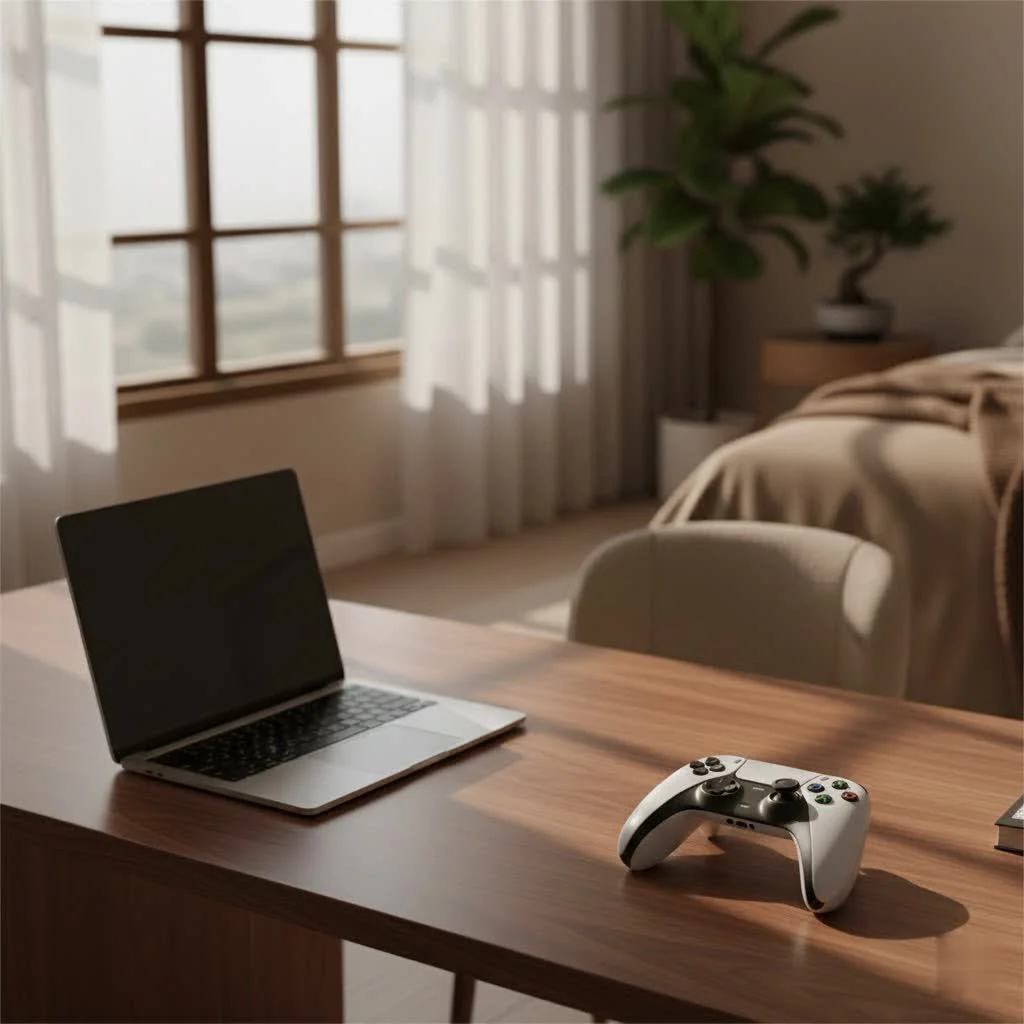
The Razer Wolverine Ultimate is more than just a controller; it’s a meticulously crafted tool for competitive play on both Xbox One and PC. It boasts a robust design, an array of programmable buttons, swappable components, and Razer’s signature Chroma RGB lighting, making it as visually striking as it is functional. This controller promises enhanced performance and a highly personalized gaming experience, catering to those who demand the absolute best from their peripherals.
What Sets the Razer Wolverine Ultimate Apart?
At first glance, the Razer Wolverine Ultimate immediately signals its premium status. Its design takes cues from existing high-end controllers but introduces Razer’s unique flair and functional improvements.
Unparalleled Customization at Your Fingertips
One of the core strengths of the Razer Wolverine Ultimate lies in its extensive customization options. Unlike many standard controllers, it offers six additional programmable buttons, including four rear multi-function triggers and two multi-function bumpers. These extra inputs can be mapped to almost any action, allowing you to keep your thumbs on the analog sticks for uninterrupted aiming and movement – a game-changer in fast-paced titles like first-person shooters.
Beyond button remapping, the Wolverine Ultimate also features interchangeable thumbsticks and D-pads. You can swap between different heights and shapes for thumbsticks (convex or concave) and choose between a traditional plus-shaped D-pad or a circular cluster of four individual directional buttons. This level of physical customization ensures the controller adapts to your preferred grip and playstyle.
The Precision Advantage: Hair-Trigger Mode, Focus, and Agile Control
For competitive gamers, response time is everything. The Razer Wolverine Ultimate addresses this with its hair-trigger mode, which significantly shortens the travel distance of the main triggers. This means quicker shots and faster reactions in crucial moments.
But the innovation doesn’t stop there. The controller also integrates “Focus” and “Agile” functions, which can be assigned to the programmable buttons. These modes allow you to adjust analog stick sensitivity on the fly: Focus mode reduces sensitivity for precise aiming (think sniping), while Agile mode increases it for rapid turns and quick maneuvers. This on-the-fly sensitivity adjustment brings a level of tactical depth usually reserved for mouse and keyboard players.
Immersive Experience with Razer Chroma RGB Lighting
|
Our Picks for the Best Game Controller in 2026
As an Amazon Associate I earn from qualifying purchases.
|
||
| Num | Product | Action |
|---|---|---|
| 1 | VOYEE Switch Controllers Compatible with Switch/Lite/OLED/PC Windows, 1000mAh Programmable RGB Lightning LED, Wireless Pro Controller with One Key Pairing/Wake Up/Turbo/Vibration |

|
| 2 | Spican Switch 2 Controller, Switch 2 Accessories Wireless Pro Controller with No-drift Hall Effect Joystick, 4 RGB Mode, 10H+ Battery, Turbo&Macro, Full-Size Hand-Curve Design Comfort for Nintendo Switch 2 Games |
|
| 3 | Xbox Elite Series 2 Core Wireless Gaming Controller – White Series X-S, One, Windows PC, Android, and iOS |
|
| 4 | Logitech G F310 Wired Gamepad Controller Console Like Layout 4 Switch D-Pad PC - Blue/Black |
|
| 5 | 8BitDo Ultimate 2 Wireless Controller for Windows PC, Apple, Steam & Android, Gaming Controller with TMR Joysticks, Hall/Tactile Triggers, Motion Control, RGB Fire Ring, 1000Hz Polling Rate, Black |
|
| 6 | 8BitDo Ultimate 2C Wireless Controller for Windows PC and Android, with 1000 Hz Polling Rate, Hall Effect Joysticks and Triggers, and Remappable L4/R4 Bumpers (Green) |
|
| 7 | EasySMX X15 PC Controller - Enhanced Wireless Bluetooth Controller with Hall Joysticks/Hall Triggers/RGB Lighting - No Stick Drift, No Dead Zone - Work for Windows PC, Android, Steam and Switch |
|
| 8 | AceGamer Aurora II 2.4G Wireless Bluetooth Controller for PC/Android/Switch/iOS/Switch 2/Steam Deck with Rotary Motors, RGB Hall Effect Joysticks - Upgraded PC Gaming Controller and Back Buttons Lock |
|
| 9 | PlayStation DualSense® Wireless Controller - Midnight Black |
|
| 10 | ManbaOne Interactive Screen Wireless Gaming Controller for PC/Switch/Switch 2/iOS/Android,Hall Effect Stick & Trigger,RGB Lighting,Remappable Buttons,1800mAh with Charging Dock (Black) |
|
What’s a Razer product without its iconic RGB? The Wolverine Ultimate features a striking strip of Razer Chroma RGB lighting that can be fully customized with 16.8 million colors and various lighting effects. While primarily an aesthetic feature, it adds to the overall premium feel and immersion, allowing you to sync your controller’s lighting with other Razer peripherals for a cohesive setup.
The Wired Difference: A Double-Edged Sword
One of the most debated aspects of the Razer Wolverine Ultimate is its wired-only connectivity. While some might see this as a drawback in an era of wireless dominance, it comes with a significant advantage: virtually zero input latency. For competitive gaming, where every millisecond counts, a wired connection ensures the most direct and responsive input possible. The controller comes with a durable, 10-foot braided micro-USB cable that includes a quick-breakaway feature, preventing damage if the cable gets tugged accidentally.
However, the lack of wireless freedom can be a significant consideration for others, especially those who prefer gaming from a distance or on a large screen without cable management concerns. It’s a trade-off that serious gamers are often willing to make for peak performance.
Design and Ergonomics: Built for Comfort and Durability
The Wolverine Ultimate is designed with extended gaming sessions in mind. It features textured rubber grips on its handles, providing a comfortable and secure hold even during intense gameplay. Reviewers often praise its solid build quality, noting a lack of creaking and a sturdy feel in hand. Weighing in at approximately 260 grams (0.57 lbs) without the cable, it’s also noticeably lighter than some competitors like the Xbox Elite Controller with batteries, which can reduce hand fatigue over long periods.
The “mouse-click” face buttons (A, B, X, Y) are another highlight, offering a tactile and responsive feel that many prefer over the softer buttons found on standard controllers. The dedicated quick-control panel located at the bottom of the controller provides convenient access to headset volume, mic mute, and profile switching, all without needing to pause your game or access on-screen menus.
As Senior Game Controller Engineer, Anya Petrova, often says, “A controller’s true value isn’t just in its specs, but how seamlessly it disappears in your hands, allowing you to focus purely on the game. The Wolverine Ultimate, with its thoughtful ergonomics and clicky buttons, achieves this beautifully.”
Customization Through the Razer Wolverine for Xbox App
To unlock the full potential of the Razer Wolverine Ultimate, you’ll utilize the Razer Wolverine for Xbox app, available on Xbox One and Windows 10. Through this app, you can:
- Remap Buttons: Assign any digital input to the six multi-function buttons and triggers.
- Adjust Sensitivity: Fine-tune the Focus and Agile modes to your exact preferences.
- Control Lighting: Customize the Chroma RGB lighting effects and colors.
- Manage Vibration: Individually adjust the strength of the controller’s four haptic feedback motors.
- Create Profiles: Save and switch between up to two custom controller profiles for different games or genres.
While the app provides robust customization, it’s worth noting that it’s a direct port from Xbox One, which means PC users cannot navigate it with a mouse or keyboard. Additionally, unlike some other pro controllers, you cannot reprogram the standard face buttons or analog triggers’ sensitivity curves.
Is the Razer Wolverine Ultimate Right for You?
The Razer Wolverine Ultimate caters to a specific kind of gamer: the enthusiast who prioritits precision, responsiveness, and extensive customization for competitive play. If you’re a hardcore, couch-based gamer who doesn’t mind a wired connection and seeks an advantage in games where every input counts, this controller is a formidable contender.
However, if wireless freedom is a non-negotiable for your gaming setup, or if you primarily play single-player, casual games where such extreme customization isn’t essential, there might be other controllers that better suit your needs and budget. Its premium price tag also places it in direct competition with wireless options like the Xbox Elite Wireless Controller Series 2, which offers similar features along with wireless connectivity.
Frequently Asked Questions (FAQ)
What platforms is the Razer Wolverine Ultimate compatible with?
The Razer Wolverine Ultimate is compatible with Xbox One and Windows 10 PCs. It connects via a wired USB connection.
Can I use the Razer Wolverine Ultimate wirelessly?
No, the Razer Wolverine Ultimate is a wired-only controller. It features a detachable 10-foot braided micro-USB cable for connectivity.
How many extra programmable buttons does the Wolverine Ultimate have?
The controller features six additional programmable buttons: two multi-function bumpers (M1/M2) and four multi-function triggers (M3/M4/M5/M6) on the rear.
What are “Focus” and “Agile” modes?
Focus and Agile modes are on-the-fly sensitivity adjustments for the analog sticks. Focus decreases sensitivity for precise aiming, while Agile increases it for quicker movements. These can be assigned to the programmable buttons.
Can I customize the RGB lighting on the Razer Wolverine Ultimate?
Yes, the controller features Razer Chroma RGB lighting that can be customized through the Razer Wolverine for Xbox app, allowing you to choose from 16.8 million colors and various lighting effects.
Is the Razer Wolverine Ultimate good for fighting games or 2D platformers?
While highly responsive, some users find the D-pads and face buttons, particularly the circular D-pad and shallow face buttons, may require a period of adjustment for precise control in certain 2D and retro-style games.
Does it come with interchangeable components?
Yes, the Razer Wolverine Ultimate includes interchangeable thumbstick caps (different heights and convex/concave options) and two different D-pad styles (plus-shaped and four-button circular). These are magnetically attached for easy swapping.
The Ultimate Decision for Your Gaming Arsenal
The Razer Wolverine Ultimate is a testament to Razer’s commitment to competitive gaming. It’s a controller that doesn’t just promise performance; it delivers a tactile, responsive, and deeply customizable experience that can genuinely elevate your gameplay. While its wired-only nature might be a deal-breaker for some, for those who value minimal latency and maximum control above all else, the Wolverine Ultimate stands as a compelling, high-end choice. If you’re ready to invest in a controller that feels like an extension of yourself, giving you that critical edge in every match, the Razer Wolverine Ultimate deserves a prime spot in your gaming arsenal.
Get our weekly buyer guide
Practical specs, not advice. Unsubscribe anytime.
