Stepping up your game isn’t just about practice; sometimes, it’s about having the right tools. If you’re serious about your gaming performance, you’ve likely heard whispers, or perhaps even roars, about the Xbox Elite Controller. Specifically, the Series 2 has become a benchmark for what a premium gamepad should offer. But what exactly makes this controller so “elite,” and is it truly the game-changer many claim it to be? As someone who’s spent over a decade dissecting and optimizing game controllers, I’m here to tell you, it’s a significant piece of tech that can genuinely elevate your play.
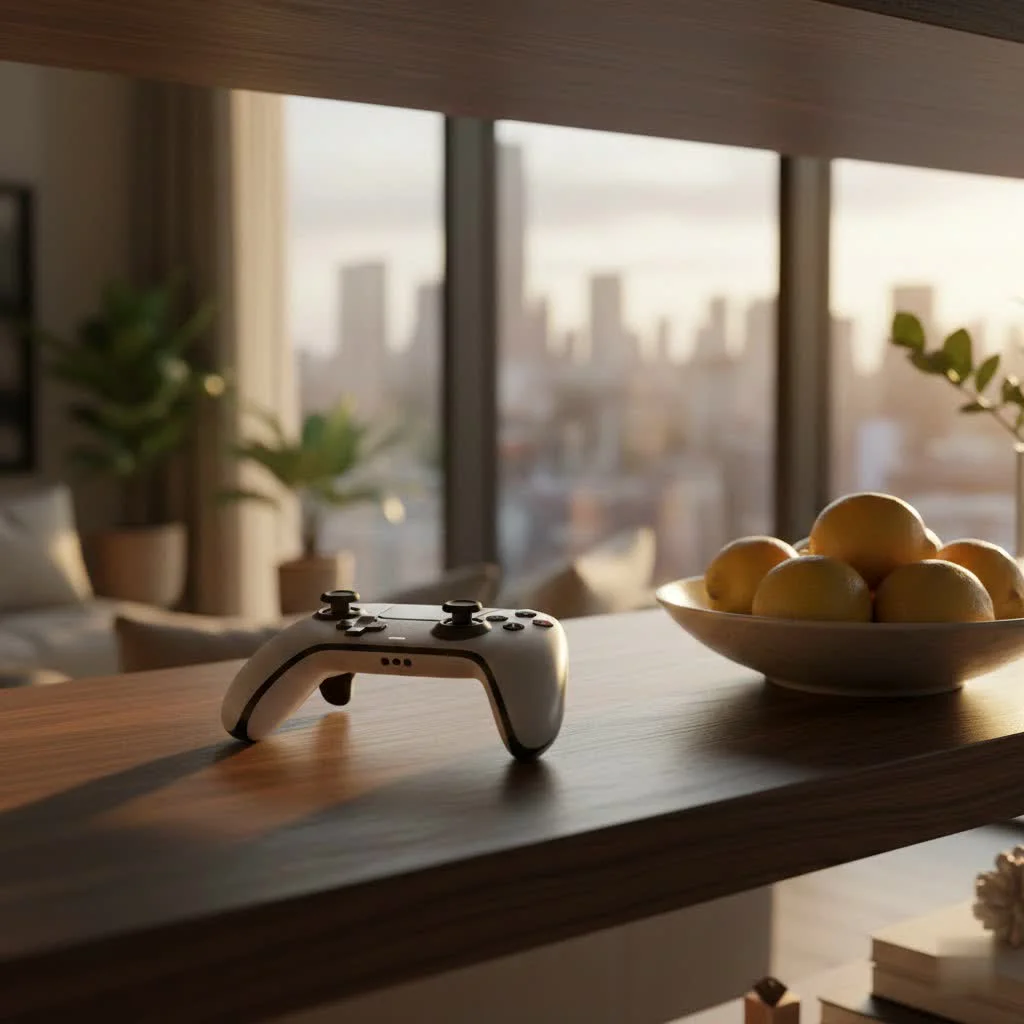
This isn’t just another controller; it’s a finely tuned instrument designed for precision, customization, and durability, built to meet the rigorous demands of competitive gaming. From its tactile feedback to its vast array of configurable options, the Xbox Elite Controller Series 2 offers an unparalleled level of control, transforming your gameplay experience. For complete gaming controller library on this site.
What Makes the Xbox Elite Controller Series 2 “Elite”?
When you first get your hands on an Xbox Elite Controller Series 2, the difference is immediate. It’s not just a fancy paint job; it’s a complete overhaul of the gaming experience, built from the ground up to empower players with unmatched control.
Premium Build and Ergonomics
Right out of the box, the Elite Series 2 feels substantial. It’s got a satisfying heft that speaks to its premium construction. The familiar Xbox controller layout is there, so you’ll feel right at home, but every element has been refined. The wraparound rubberized grips aren’t just for show; they provide superior comfort and a secure hold, especially during those intense, marathon gaming sessions. Say goodbye to sweaty palms causing slips at crucial moments! The buttons feel more solid, offering a satisfying click, and the D-pad is noticeably improved compared to standard controllers, making inputs feel crisp and reliable. This isn’t a controller that feels cheap; it feels like a professional piece of equipment ready for battle.
Unrivaled Customization: Your Game, Your Way
This is where the Xbox Elite Controller Series 2 truly earns its “Elite” moniker. It’s not just about what’s included; it’s about the power to tailor every aspect of your controller to your unique playstyle.
- Adjustable-Tension Thumbsticks: Ever wished your thumbsticks were a little tighter for precision aiming in a sniper game, or looser for quick, fluid movements in a fighting game? The Elite Series 2 lets you do just that with an included tool, offering three distinct tension settings. It’s a subtle change that makes a huge difference in control.
- Interchangeable Thumbsticks: The controller comes with a variety of thumbsticks – classic, domed, and tall – allowing you to swap them out to find what feels best for different games or even specific in-game actions. Want more leverage for precise aiming? Pop on the tall stick. Need quicker transitions? The classic might be your go-to.
- Interchangeable D-pads: Whether you prefer the traditional cross-shaped D-pad for fighting games or the faceted D-pad for more nuanced directional inputs, the Elite Series 2 has you covered. They’re magnetic, so swapping them out is a breeze.
- Hair Trigger Locks: For competitive shooters, milliseconds matter. The hair trigger locks reduce the distance you need to press the triggers, allowing for faster firing. With three settings, you can fine-tune them to your preference, giving you that crucial edge.
- Rear Paddles: The four magnetically attached paddles on the back are a game-changer. They sit comfortably where your index and middle fingers naturally rest, allowing you to perform actions like jumping, reloading, or switching weapons without ever taking your thumbs off the thumbsticks. This means smoother movement, quicker reactions, and maintaining full control. You can even choose to use all four, two, or none, depending on your comfort and game.
- Custom Profiles: The Elite Series 2 allows you to save up to three custom profiles directly on the controller. With a dedicated profile button, you can switch between these on the fly, instantly adapting your settings for different games or even different characters within a game.
- Xbox Accessories App: This is the control center for your Elite Controller. The app, available on Xbox and PC, allows for limitless customization. You can remap any button, fine-tune thumbstick sensitivity curves, adjust trigger dead zones, and even control rumble intensity. It’s incredibly intuitive and unlocks the full potential of your hardware.
“The true power of the Elite Series 2 isn’t just in its premium feel, but in its unparalleled adaptability. It’s like having a bespoke controller for every game you play,” notes gaming hardware specialist, Marcus Chen.
Xbox Elite Controller Series 2 vs. The Original Elite Series 1: Is the Upgrade Worth It?
For those who owned the original Elite Controller, the Series 2 represented a significant evolution rather than just a minor refresh. And yes, in my experience, it’s absolutely worth the upgrade.
The most notable improvement is the internal rechargeable battery, a welcome departure from the Series 1’s reliance on AA batteries. The Elite Series 2 boasts an impressive 40-hour battery life, ensuring your marathon gaming sessions aren’t interrupted. This alone is a huge quality-of-life upgrade.
Furthermore, the paddles on the Series 2 are more tactile and slightly smaller, reducing accidental presses which was a common feedback point for the original. The addition of adjustable thumbstick tension was also a major leap, providing a level of control previously unavailable. Microsoft also refined the button mapping interface within the Xbox Accessories App, making it far more user-friendly to customize your setup. Overall, the Series 2 feels more robust and polished, addressing many of the Series 1’s shortcomings and solidifying its position as a top-tier pro controller.
Decoding the Elite: Xbox Elite Controller Series 2 vs. Series 2 Core
Recently, Microsoft introduced the Xbox Elite Controller Series 2 Core, which might leave some gamers wondering about the differences. Think of the Core as a more accessible entry point into the Elite ecosystem.
What’s the Core Difference?
|
Our Picks for the Best Game Controller in 2026
As an Amazon Associate I earn from qualifying purchases.
|
||
| Num | Product | Action |
|---|---|---|
| 1 | 8BitDo Ultimate 2C Wireless Controller for Windows PC and Android, with 1000 Hz Polling Rate, Hall Effect Joysticks and Triggers, and Remappable L4/R4 Bumpers (Green) |

|
| 2 | 8BitDo Ultimate 2 Wireless Controller for Windows PC, Apple, Steam & Android, Gaming Controller with TMR Joysticks, Hall/Tactile Triggers, Motion Control, RGB Fire Ring, 1000Hz Polling Rate, Black |
|
| 3 | Logitech G F310 Wired Gamepad Controller Console Like Layout 4 Switch D-Pad PC - Blue/Black |
|
| 4 | VOYEE Switch Controllers Compatible with Switch/Lite/OLED/PC Windows, 1000mAh Programmable RGB Lightning LED, Wireless Pro Controller with One Key Pairing/Wake Up/Turbo/Vibration |
|
| 5 | AceGamer Aurora II 2.4G Wireless Bluetooth Controller for PC/Android/Switch/iOS/Switch 2/Steam Deck with Rotary Motors, RGB Hall Effect Joysticks - Upgraded PC Gaming Controller and Back Buttons Lock |
|
| 6 | Xbox Elite Series 2 Core Wireless Gaming Controller – White Series X-S, One, Windows PC, Android, and iOS |
|
| 7 | PlayStation DualSense® Wireless Controller - Midnight Black |
|
| 8 | ManbaOne Interactive Screen Wireless Gaming Controller for PC/Switch/Switch 2/iOS/Android,Hall Effect Stick & Trigger,RGB Lighting,Remappable Buttons,1800mAh with Charging Dock (Black) |
|
| 9 | Spican Switch 2 Controller, Switch 2 Accessories Wireless Pro Controller with No-drift Hall Effect Joystick, 4 RGB Mode, 10H+ Battery, Turbo&Macro, Full-Size Hand-Curve Design Comfort for Nintendo Switch 2 Games |
|
| 10 | EasySMX X15 PC Controller - Enhanced Wireless Bluetooth Controller with Hall Joysticks/Hall Triggers/RGB Lighting - No Stick Drift, No Dead Zone - Work for Windows PC, Android, Steam and Switch |
|
The primary distinction lies in the price point and the included accessories. The Elite Series 2 Core, as its name suggests, gives you the “core” controller itself, along with a thumbstick-adjustment tool and a braided USB-C charging cable. However, it does not include the interchangeable paddles, extra thumbsticks, additional D-pad, charging dock, or carrying case. These premium accessories, crucial for full customization, are sold separately as a “Complete Component Pack.”
The standard Xbox Elite Controller Series 2, on the other hand, comes with all of these accessories included in the box. This means if you want the full Elite experience right away, the standard Series 2 is your go-to. If you’re testing the waters or want to build your accessory collection over time, the Core offers a more budget-friendly starting point. Interestingly, the Core also comes in a wider range of colors by default, such as white, red, or blue, whereas the standard Series 2 is typically black.
Identical Performance, Different Packages
Crucially, when it comes to the core functionality, both the Xbox Elite Controller Series 2 and the Series 2 Core are identical. They share the same premium build quality, adjustable thumbstick tension, hair trigger locks, and the ability to save custom profiles. You’re getting the same high-performance controller; the only difference is the accessory package. This means if you buy the Core and later decide you want the paddles or extra thumbsticks, you can purchase the Complete Component Pack and effectively have the full Elite Series 2 experience. It’s a smart move by Microsoft to make the Elite line more accessible.
Maximizing Your Performance: Tips and Tricks for Your Elite Controller
Having an Xbox Elite Controller Series 2 is one thing; truly mastering it to enhance your gameplay is another. Here are some pro tips to help you get the most out of your investment:
- Become Best Friends with the Xbox Accessories App: This app is your command center. Spend time experimenting with different button mappings, thumbstick sensitivity curves, and trigger dead zones. Don’t just stick with defaults. This is where the magic happens for truly personalized control.
- Create Game-Specific Profiles: Don’t use a one-size-fits-all approach. Set up unique profiles for different game genres or even specific games. An FPS game might benefit from tighter thumbstick tension and hair trigger locks, while an RPG might be better with looser tension and paddles mapped to spell casting or item usage.
- Experiment with Paddle Configurations: The paddles are incredibly versatile. Try mapping actions like jump, reload, melee, or weapon swap to them. The goal is to keep your thumbs on the thumbsticks as much as possible for uninterrupted aiming and movement. Many competitive players find two paddles optimal for their style, but try all four to see what feels best.
- Fine-Tune Thumbstick Tension for Your Needs: For precise aiming in competitive shooters, a tighter tension can offer more control. For fast-paced action games or racing, a looser tension might feel more responsive. Don’t be afraid to adjust it based on the game you’re playing.
- Leverage Hair Trigger Locks in FPS Games: For games where rapid firing is key, setting the hair trigger locks to their shortest position can significantly reduce the time between trigger pull and in-game action. This instant response can give you a noticeable advantage in gunfights.
- Internal Link: To truly dive deep into advanced customization, check out our guide on “Advanced Controller Settings for Competitive Gaming”.
Is the Xbox Elite Controller Series 2 Right for You?
This is the million-dollar question. Given its premium price point, the Xbox Elite Controller Series 2 isn’t for everyone, but for a specific type of gamer, it’s an absolute must-have.
Who Benefits Most?
- Competitive and Pro Gamers: If every millisecond and every precise movement counts, the Elite Series 2 is built for you. The customization options provide a genuine competitive advantage.
- Dedicated Enthusiasts: If you spend countless hours gaming and appreciate premium hardware that enhances your experience, the durability and ergonomic comfort alone make it a worthwhile investment.
- Gamers Seeking an Edge: Even if you’re not a pro, but want to improve your reaction times, comfort, and overall control, this controller can help you push past plateaus.
Considerations for Casual Gamers
For casual players who game a few hours a week, the high cost might be difficult to justify. While it undoubtedly feels fantastic to use, many of its advanced features might go unused or unnoticed. A standard Xbox controller offers excellent performance for general play. However, if you’re looking to elevate your comfort and experience, and the budget allows, even casual players can appreciate the build quality and improved ergonomics.
Ultimately, the Xbox Elite Controller Series 2 is an investment in your gaming performance and comfort. It’s a statement that you take your gaming seriously.
Frequently Asked Questions (FAQ)
Q: How long does the battery last on the Elite Series 2?
A: The Xbox Elite Controller Series 2 features an internal, rechargeable battery that offers up to 40 hours of playtime on a single charge, depending on usage and accessory attachments.
Q: Can I use the Elite Controller on PC?
A: Absolutely! The Xbox Elite Controller Series 2 is fully compatible with Windows PCs, offering the same level of customization and performance. You can connect it wirelessly via an Xbox Wireless Adapter for Windows or with a USB-C cable.
Q: Are the paddles easy to remove and attach?
A: Yes, the paddles attach magnetically to the back of the controller, making them incredibly easy to snap on and off as needed. This allows for quick adjustments based on your game or preference.
Q: What’s the best way to clean my Elite Controller?
A: For general cleaning, use a soft, slightly damp cloth to wipe down the surface. For deeper cleaning around buttons and crevices, you can use a cotton swab lightly dampened with rubbing alcohol. Always ensure the controller is powered off before cleaning.
Q: Does the Elite Controller fix stick drift?
A: While the Elite Controller Series 2 features high-quality components and adjustable thumbstick tension, no controller is entirely immune to stick drift over time due to wear and tear. However, its robust design and software calibration options can help mitigate minor issues.
Elevate Your Game
The Xbox Elite Controller Series 2 isn’t just a peripheral; it’s a gateway to a more precise, comfortable, and personalized gaming experience. From its premium materials and thoughtful ergonomics to its unparalleled customization through interchangeable components and the powerful Xbox Accessories App, it’s engineered to give you the competitive edge. Whether you’re a seasoned pro aiming for victory or a dedicated enthusiast seeking the ultimate in control and comfort, investing in an Xbox Elite Controller Series 2 can fundamentally change how you interact with your favorite games. So, take the leap, experiment with its vast capabilities, and prepare to elevate your game to truly elite levels.
Get our weekly buyer guide
Practical specs, not advice. Unsubscribe anytime.
