For dedicated gamers, the right controller isn’t just an accessory; it’s an extension of their will, a vital tool in conquering virtual worlds. Enter the Xbox Elite Controller Series 2, a device that has long been lauded as the pinnacle of precision and personalization in the gaming world. But as we navigate through 2025, with new contenders constantly emerging, the question on many minds is: does this “elite” controller still hold its ground as the ultimate weapon in a gamer’s arsenal? As a seasoned expert from Vntut.com, I’m here to dive deep into every facet of this iconic gamepad, helping you decide if it’s the right fit for your gaming journey.
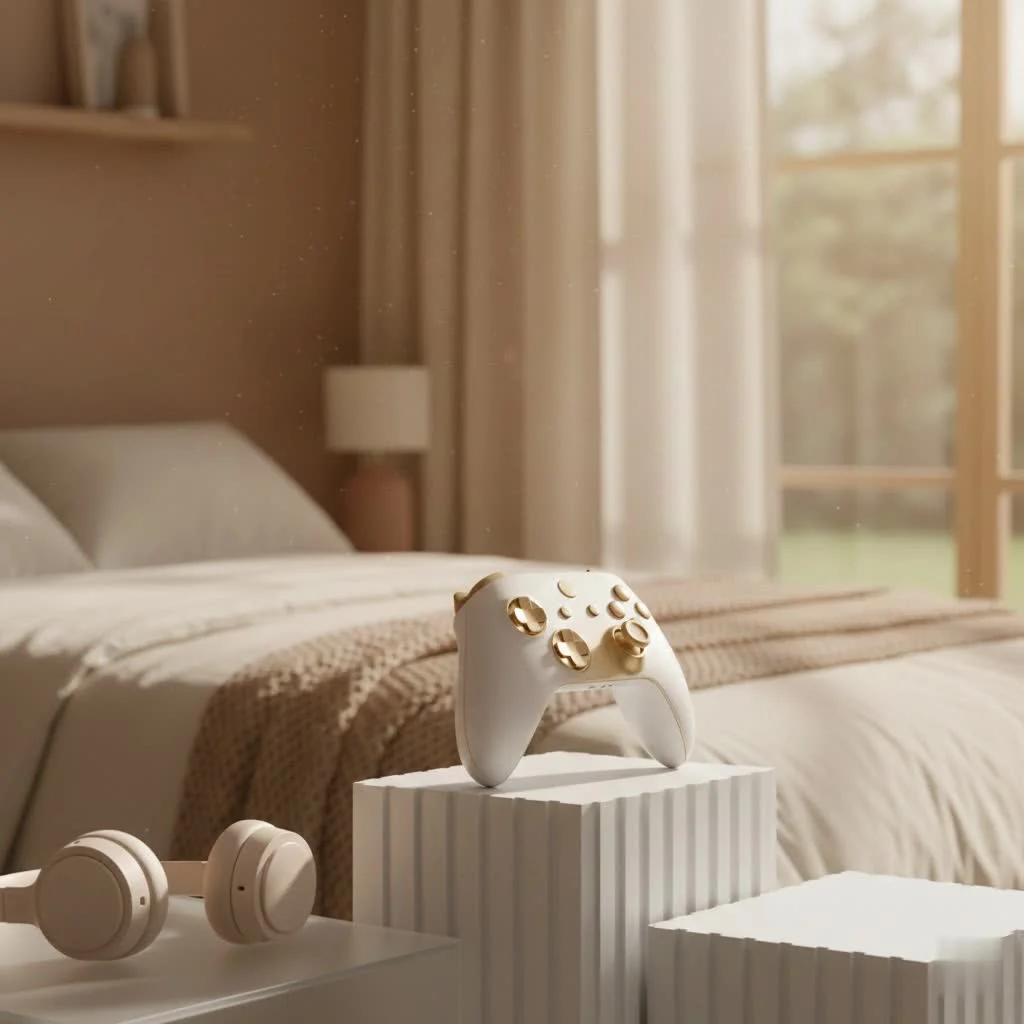
What Makes the Xbox Elite Controller Series 2 “Elite”?
When Microsoft first unveiled the Xbox Elite Controller Series 2, it wasn’t just another gamepad; it was a statement. It promised a level of control and customization previously unseen in mainstream console controllers, and largely delivered. For expert gaming controller reviews on this site.
Unparalleled Customization: Your Game, Your Rules
At the heart of the Elite Series 2’s appeal is its incredible adaptability. This isn’t a one-size-fits-all device; it’s a canvas for your personal gaming style.
- Interchangeable Thumbsticks and D-pads: The controller comes with a variety of thumbstick shapes and heights, alongside different D-pad styles. Whether you prefer a domed or concave stick, or a traditional cross-shaped D-pad versus a faceted one, you can swap them out in seconds. This allows you to fine-tune your control for different game genres, from the precise aim needed in an FPS to the quick directional inputs of a fighting game.
- Adjustable Thumbstick Tension: This feature is a game-changer for many. You can use the included tool to physically change the resistance of the thumbsticks, offering three distinct settings. This means you can have a lighter touch for faster reactions or a stiffer feel for maximum accuracy, truly tailoring the response to your preference.
- Hair Trigger Locks: Located on the back, these tiny switches dramatically shorten the pull distance of the triggers. In fast-paced shooters, this translates to lightning-quick firing, giving you a tangible edge over opponents. No more wasted milliseconds on unnecessary trigger travel.
- Remappable Back Paddles: Arguably the most revolutionary feature, the four removable paddles magnetically attach to the back of the controller. You can map any button input to these paddles, allowing you to perform complex actions without ever taking your thumbs off the analog sticks. Imagine reloading, jumping, or switching weapons with your middle or ring fingers, maintaining full control over movement and aiming.
Premium Build Quality: A Tangible Difference
|
Our Picks for the Best Game Controller in 2026
As an Amazon Associate I earn from qualifying purchases.
|
||
| Num | Product | Action |
|---|---|---|
| 1 | ManbaOne Interactive Screen Wireless Gaming Controller for PC/Switch/Switch 2/iOS/Android,Hall Effect Stick & Trigger,RGB Lighting,Remappable Buttons,1800mAh with Charging Dock (Black) |

|
| 2 | Logitech G F310 Wired Gamepad Controller Console Like Layout 4 Switch D-Pad PC - Blue/Black |
|
| 3 | Xbox Elite Series 2 Core Wireless Gaming Controller – White Series X-S, One, Windows PC, Android, and iOS |
|
| 4 | 8BitDo Ultimate 2 Wireless Controller for Windows PC, Apple, Steam & Android, Gaming Controller with TMR Joysticks, Hall/Tactile Triggers, Motion Control, RGB Fire Ring, 1000Hz Polling Rate, Black |
|
| 5 | 8BitDo Ultimate 2C Wireless Controller for Windows PC and Android, with 1000 Hz Polling Rate, Hall Effect Joysticks and Triggers, and Remappable L4/R4 Bumpers (Green) |
|
| 6 | AceGamer Aurora II 2.4G Wireless Bluetooth Controller for PC/Android/Switch/iOS/Switch 2/Steam Deck with Rotary Motors, RGB Hall Effect Joysticks - Upgraded PC Gaming Controller and Back Buttons Lock |
|
| 7 | VOYEE Switch Controllers Compatible with Switch/Lite/OLED/PC Windows, 1000mAh Programmable RGB Lightning LED, Wireless Pro Controller with One Key Pairing/Wake Up/Turbo/Vibration |
|
| 8 | PlayStation DualSense® Wireless Controller - Midnight Black |
|
| 9 | EasySMX X15 PC Controller - Enhanced Wireless Bluetooth Controller with Hall Joysticks/Hall Triggers/RGB Lighting - No Stick Drift, No Dead Zone - Work for Windows PC, Android, Steam and Switch |
|
| 10 | Spican Switch 2 Controller, Switch 2 Accessories Wireless Pro Controller with No-drift Hall Effect Joystick, 4 RGB Mode, 10H+ Battery, Turbo&Macro, Full-Size Hand-Curve Design Comfort for Nintendo Switch 2 Games |
|
From the moment you pick up the Xbox Elite Controller Series 2, its premium feel is undeniable. It boasts a solid, substantial weight that speaks to its quality construction. The buttons, triggers, and D-pad all offer a satisfyingly tactile response that feels a cut above standard controllers. The integrated rechargeable battery, offering up to 40 hours of gameplay on a single charge, is another welcome upgrade, eliminating the need for disposable batteries or external battery packs.
Software Smarts: The Brains Behind the Brawn
Beyond the physical customization, the Elite Series 2 truly shines with its software integration. Through the Xbox Accessories app on your console or PC, you can create and save up to three custom profiles directly onto the controller, switching between them on the fly with a dedicated profile button. This allows for instant transitions between configurations for different games or even different play styles within the same game. Want a specific setup for your favorite RPG and another for competitive multiplayer? The Xbox Elite Controller Series 2 makes it effortless.
The Good, The Bad, and The Sticky: Real-World Experience
While the feature list of the Xbox Elite Controller Series 2 reads like a gamer’s dream, what’s the reality of living with it?
The Gaming Advantage: A Clear Edge
In the heat of competition, the Elite Series 2 delivers on its promise. The ability to keep your thumbs on the sticks while executing commands with the paddles is a genuine advantage, particularly in competitive online titles. “It’s not just about speed; it’s about maintaining flow,” says Alex “Virtuoso” Chen, a professional esports coach. “Being able to jump and aim simultaneously without contorting your hand truly elevates your game, and the adjustable stick tension lets you dial in a precision that feels almost unfair.” This translates to more fluid movement, better aiming, and quicker reactions, giving you a competitive edge.
Weight and Grip: A Subjective Affair
The robust feel of the Elite Series 2, while indicative of its build quality, also makes it a notably heavier controller than its standard counterparts. For some, this added heft provides a comforting, secure grip, enhancing the feeling of a premium device. However, others might find it leads to hand fatigue during extended gaming sessions. Similarly, the full-wrap textured grips, designed for enhanced comfort and control, can be a polarizing element. While many appreciate the added tactile feedback, some users have reported that the texture can feel unusual or even slippery over time, depending on individual hand chemistry.
Connectivity Quirks: The Multi-Device Shuffle
One aspect where the Xbox Elite Controller Series 2 shows its age, or perhaps a design oversight, is its multi-device connectivity. While it supports Xbox Wireless, USB-C, and Bluetooth, allowing it to connect to Xbox consoles, PCs, smartphones, and tablets, it doesn’t gracefully remember multiple paired devices. This means if you switch between, say, your Xbox and your gaming PC, you’ll often have to manually re-pair the controller each time. It’s not a deal-breaker, but it can be an annoying friction point for gamers who frequently switch platforms with their primary controller.
Durability Concerns: The Elephant in the Gaming Room
Despite its premium price tag and initial acclaim, the Xbox Elite Controller Series 2 has, unfortunately, been plagued by well-documented hardware issues for a segment of its user base. Common complaints have ranged from sticky or unresponsive face buttons (A, B, X, Y) to failing bumper buttons (LB, RB). Stick drift, where the analog sticks register inputs without being physically moved, has also been a recurring issue. Furthermore, some users have reported the rubberized grips peeling or detaching over time. These durability concerns, while not universal, are significant enough to warrant consideration, especially given the controller’s premium cost. Microsoft has acknowledged and attempted to address some of these issues, but user experiences remain varied.
Xbox Elite Controller Series 2 in 2025: Is it Worth Your Hard-Earned Cash?
Five years post-launch, the Xbox Elite Controller Series 2 still stands as one of the best pro-grade controllers on the market. Its core features—deep customization, premium feel, and significant competitive advantages—remain highly relevant. However, the landscape has evolved.
The initial price has seen some reductions, making it slightly more accessible, but it’s still a substantial investment. For those who want the Elite Series 2 experience but are deterred by the full package price or don’t need all the accessories right away, the Xbox Elite Controller Series 2 Core offers a compelling alternative. It’s the exact same controller, just without the full complement of swappable components, which can be purchased separately later if desired.
However, the competition has caught up. Numerous third-party manufacturers now offer “pro” controllers with similar customizable features, such as back buttons, interchangeable components, and adjustable triggers, often at a more attractive price point. While these might not always match the first-party build quality or seamless Xbox integration, they present viable options for budget-conscious gamers. Ultimately, the decision hinges on how much you value Microsoft’s specific design, seamless ecosystem integration, and the particular blend of features offered by the Elite Series 2 against its known durability risks and the increasing options from competitors.
Maximizing Your Elite Series 2: Tips and Tricks
To truly get the most out of your Xbox Elite Controller Series 2, consider these expert tips:
- Experiment with Paddle Layouts: Don’t stick to the default. Try different combinations of 2 or 4 paddles, and map them to actions that you frequently use while needing to maintain thumbstick control (e.g., jump, melee, grenade, reload).
- Fine-Tune Thumbstick Tension: Play around with the three tension settings. A tighter stick might improve precision for sniping, while a looser one could enhance quick movements in an arcade racer.
- Utilize Profile Switching: Set up distinct profiles for different game genres. One for FPS with hair triggers and specific paddle maps, another for an RPG where paddles might be assigned to inventory or spell casting, and a third for racing with different trigger sensitivities.
- Regular Cleaning: Due to its textured grips and multiple removable parts, the Elite Series 2 can accumulate grime. Regularly wipe it down with a microfiber cloth and consider using a soft brush for crevices to maintain its feel and hygiene.
- Consider a Carrying Case: If your Elite Series 2 didn’t come with one (like the Core model), investing in a protective case is wise. It safeguards your valuable controller and its accessories during transport and storage.
Frequently Asked Questions about the Xbox Elite Controller Series 2
Q1: What is the main difference between the Xbox Elite Controller Series 2 and a standard Xbox controller?
The Xbox Elite Controller Series 2 offers extensive customization options not found on standard controllers, including interchangeable components (thumbsticks, D-pads), adjustable thumbstick tension, hair trigger locks, and four remappable back paddles. It also features premium build materials and an integrated rechargeable battery.
Q2: Can I use the Xbox Elite Controller Series 2 on PC?
Yes, the Xbox Elite Controller Series 2 is fully compatible with PC. You can connect it via a USB-C cable, an Xbox Wireless Adapter, or Bluetooth. The Xbox Accessories app on Windows allows for the same deep customization as on Xbox consoles.
Q3: What are the common durability issues reported with the Elite Series 2?
Common issues include sticky or unresponsive face buttons, failing bumper buttons, thumbstick drift (unintended input), and the rubberized grips peeling off over time. While not every unit experiences these, they are well-documented concerns.
Q4: Is the Elite Series 2 Core version the same as the full Elite Series 2?
Yes, the Xbox Elite Controller Series 2 Core is the exact same controller hardware as the full version. The “Core” designation means it comes with fewer accessories (like fewer interchangeable thumbsticks, no charging dock, and sometimes no carrying case) to offer a more affordable entry point. The full accessory pack can be purchased separately.
Q5: Is the Elite Series 2 worth the price in 2025?
For competitive gamers or those who highly value deep customization and a premium feel, the Xbox Elite Controller Series 2 can still be worth it, especially if found at a discount. However, potential buyers should weigh its premium cost against reported durability concerns and the increasing number of feature-rich, more affordable third-party alternatives.
Q6: How long does the battery last on the Xbox Elite Controller Series 2?
The Xbox Elite Controller Series 2 features an integrated rechargeable battery that provides up to 40 hours of gameplay on a single charge, depending on usage and accessory attachments.
Conclusion
The Xbox Elite Controller Series 2 remains a remarkable piece of gaming hardware, a testament to Microsoft’s ambition to cater to the most discerning players. Its unparalleled customization, premium feel, and in-game advantages are undeniable, offering a level of control that can genuinely elevate your performance. While it has faced its share of scrutiny regarding durability and its premium price point, its core value for competitive and enthusiast gamers persists. For those who demand the utmost precision and personalization, and are willing to invest in a top-tier peripheral, the Xbox Elite Controller Series 2 continues to be a formidable contender. Choose wisely, game on, and let your custom controller be the key to unlocking your full gaming potential!
Get our weekly buyer guide
Practical specs, not advice. Unsubscribe anytime.
