In the ever-evolving world of gaming, few accessories have achieved the iconic status and widespread versatility of the Xbox Wireless Controller. It’s more than just a peripheral; it’s a meticulously crafted extension of your gaming will, designed to deliver precision, comfort, and seamless connectivity across a multitude of platforms. Whether you’re navigating the sprawling landscapes of an Xbox Series X title, diving into competitive PC esports, or even enjoying mobile games on your phone, the Xbox Wireless Controller stands ready as your trusted ally, enhancing every moment of your digital adventures. For over a decade, I’ve seen countless controllers come and go, but the Xbox Wireless Controller consistently sets the bar, evolving with each generation to meet the demands of gamers worldwide.
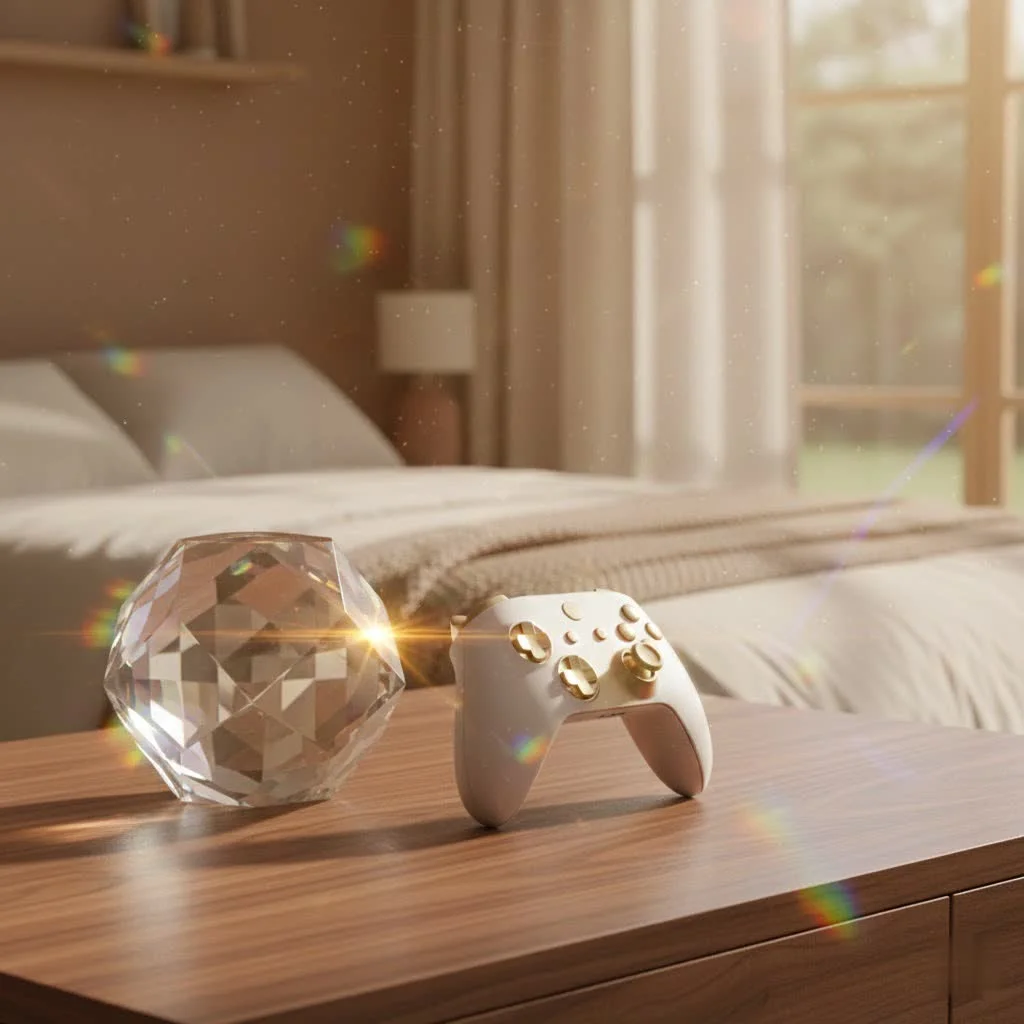
What Makes the Xbox Wireless Controller a Game-Changer?
The appeal of the Xbox Wireless Controller lies in its thoughtful design and robust feature set, which have been refined over years to provide an unparalleled gaming experience. It’s not just about pushing buttons; it’s about feeling truly connected to the game.
A Legacy of Comfort and Ergonomics
One of the first things you’ll notice about the Xbox Wireless Controller is how it simply feels right in your hands. Its modernized design features sculpted surfaces and refined geometry, ensuring enhanced comfort even during the longest gaming marathons. The textured triggers and bumpers, along with textured grips, provide a secure hold, preventing slips and boosting your confidence when every second counts. As a gaming enthusiast who’s spent countless hours holding various controllers, I can confidently say that Microsoft has truly perfected the art of ergonomic design here, making it feel like an extension of your own hands.
Precision at Your Fingertips
Beyond comfort, the Xbox Wireless Controller delivers exceptional precision. Its redesigned analog sticks offer improved accuracy, crucial for subtle movements in aiming or navigation. The hybrid D-pad offers a satisfying tactile response and improved directional input, making it perfect for fighting games or quick menu selections. What truly sets it apart, though, are the rumble motors embedded within the triggers, providing directional haptic feedback. This innovative feature allows you to feel in-game actions like weapon recoil or impact, drawing you deeper into the virtual world. It’s a subtle yet powerful enhancement that transforms your gameplay.
Share Your Triumphs Instantly
Modern gaming is often a social experience, and the Xbox Wireless Controller embraces this with its dedicated Share button. With a simple press, you can easily capture and share your epic in-game photos or thrilling video clips. Whether you’re broadcasting a clutch victory to your friends or streaming your gameplay to an online platform, this feature makes content creation and sharing effortlessly integrated into your gaming session. It’s a fantastic addition for those who love to showcase their skills and connect with the wider gaming community.
Personalize Your Play
|
Our Picks for the Best Game Controller in 2026
As an Amazon Associate I earn from qualifying purchases.
|
||
| Num | Product | Action |
|---|---|---|
| 1 | VOYEE Switch Controllers Compatible with Switch/Lite/OLED/PC Windows, 1000mAh Programmable RGB Lightning LED, Wireless Pro Controller with One Key Pairing/Wake Up/Turbo/Vibration |

|
| 2 | Logitech G F310 Wired Gamepad Controller Console Like Layout 4 Switch D-Pad PC - Blue/Black |
|
| 3 | EasySMX X15 PC Controller - Enhanced Wireless Bluetooth Controller with Hall Joysticks/Hall Triggers/RGB Lighting - No Stick Drift, No Dead Zone - Work for Windows PC, Android, Steam and Switch |
|
| 4 | 8BitDo Ultimate 2 Wireless Controller for Windows PC, Apple, Steam & Android, Gaming Controller with TMR Joysticks, Hall/Tactile Triggers, Motion Control, RGB Fire Ring, 1000Hz Polling Rate, Black |
|
| 5 | 8BitDo Ultimate 2C Wireless Controller for Windows PC and Android, with 1000 Hz Polling Rate, Hall Effect Joysticks and Triggers, and Remappable L4/R4 Bumpers (Green) |
|
| 6 | AceGamer Aurora II 2.4G Wireless Bluetooth Controller for PC/Android/Switch/iOS/Switch 2/Steam Deck with Rotary Motors, RGB Hall Effect Joysticks - Upgraded PC Gaming Controller and Back Buttons Lock |
|
| 7 | Xbox Elite Series 2 Core Wireless Gaming Controller – White Series X-S, One, Windows PC, Android, and iOS |
|
| 8 | Spican Switch 2 Controller, Switch 2 Accessories Wireless Pro Controller with No-drift Hall Effect Joystick, 4 RGB Mode, 10H+ Battery, Turbo&Macro, Full-Size Hand-Curve Design Comfort for Nintendo Switch 2 Games |
|
| 9 | PlayStation DualSense® Wireless Controller - Midnight Black |
|
| 10 | ManbaOne Interactive Screen Wireless Gaming Controller for PC/Switch/Switch 2/iOS/Android,Hall Effect Stick & Trigger,RGB Lighting,Remappable Buttons,1800mAh with Charging Dock (Black) |
|
Customization is key to a truly personal gaming experience, and the Xbox Wireless Controller delivers. It supports button mapping, allowing you to reassign functions to different buttons to better suit your playstyle. This means you can fine-tune your controller setup for specific games or genres, giving you a competitive edge or simply making your gaming more comfortable and intuitive. “The ability to remap buttons on the fly can drastically improve your performance and comfort, especially in competitive titles,” notes gaming hardware specialist, Lena Petrova.
Seamless Connectivity: How Your Xbox Wireless Controller Works Across Devices
One of the most compelling aspects of the Xbox Wireless Controller is its remarkable versatility in connectivity. It’s engineered to work flawlessly not just with Xbox consoles, but also with PCs, mobile phones, and tablets, offering an incredibly flexible gaming experience.
The Power of Xbox Wireless
For dedicated Xbox gamers, the controller connects to Xbox consoles using the proprietary Xbox Wireless protocol. This technology provides a robust, low-latency connection, ensuring your inputs are registered instantly, which is vital for responsive gameplay. For Windows PCs, this same high-performance connection can be achieved with the Xbox Wireless Adapter for Windows. This dedicated dongle ensures you get the most reliable and fastest wireless experience, mirroring console-level performance on your computer.
Bluetooth Freedom for PC and Mobile
What truly expands the controller’s reach is its integrated Bluetooth® technology. This allows for wireless gaming on Windows 10/11 PCs, Android devices, and iOS smartphones and tablets, all without the need for an additional adapter. This means you can effortlessly switch between devices, pairing your controller with your Xbox console one moment and then seamlessly connecting to your tablet for some mobile gaming the next. It’s perfect for gamers who are always on the go or who enjoy playing across various ecosystems.
Demystifying the Xbox Wireless Adapter for Windows
While Bluetooth offers convenience, the Xbox Wireless Adapter for Windows (model 1713) is a game-changer for PC enthusiasts seeking the ultimate wireless performance. This USB-A dongle allows Windows 10/11 users to connect not just one, but up to eight Xbox controllers, headsets, and other accessories via the dedicated Xbox Wireless protocol. This provides lower latency and more stable connections compared to standard Bluetooth, which can be crucial for competitive gaming. Initially released in 2015, drivers were later updated to include support for Windows 7 and 8.1, demonstrating its broad compatibility.
Wired Connection: A Reliable Backup
Sometimes, simplicity and reliability are paramount. The Xbox Wireless Controller also features a USB-C port, allowing you to connect it directly to your console or PC with a USB-C cable. This wired connection provides a zero-latency experience, ensures your controller is always powered, and is a fantastic fallback option if you’re experiencing wireless interference or simply prefer a direct link. It’s also the primary way to update your controller’s firmware, keeping it in top shape.
Powering Your Play: Battery Life and Solutions
A controller is only as good as its power source, and the Xbox Wireless Controller offers flexible options to keep you in the game.
AA Batteries: The Standard
Out of the box, the Xbox Wireless Controller typically runs on two standard AA alkaline batteries, which are usually included with your purchase. This offers a straightforward and readily available power solution, allowing you to quickly swap out depleted batteries and jump straight back into the action. While convenient, this option means a recurring cost for batteries if you game frequently.
Rechargeable Packs: An Eco-Friendly Upgrade
For those seeking a more sustainable and cost-effective solution in the long run, investing in an official Xbox rechargeable battery pack with a USB-C cable is highly recommended. These packs offer the convenience of charging your controller directly via the USB-C port, eliminating the need for constant battery replacements. With some packs boasting up to 40 hours of battery life, they provide extended playtime and reduce environmental waste, making them a smart choice for any serious gamer.
Beyond Gaming: Accessibility Features and More
The Xbox Wireless Controller isn’t just about high-performance gaming; it also champions inclusivity and caters to diverse gaming needs.
Gaming for Everyone with Copilot
Microsoft has made significant strides in game accessibility, and the Xbox Wireless Controller is central to this effort with its “Copilot” feature. Supported on both Xbox consoles and Windows PCs, Copilot allows two controllers to act as one. This means a second player can assist with inputs, making games more accessible for individuals who might have difficulty with certain complex controls or simply want to team up with a friend or family member for a shared gaming experience. It’s a wonderful example of how thoughtful design can open up gaming to a broader audience.
The Elite Series 2: For the Pro Gamer
For those who demand the absolute pinnacle of performance and customization, the Xbox Elite Wireless Controller Series 2 takes everything great about the standard wireless controller and elevates it. With features like adjustable tension thumbsticks, shorter hair trigger locks, and a wrap-around rubberized grip, it offers unparalleled control and durability. While a premium investment, it’s designed for competitive players and enthusiasts who want every possible edge.
Choosing Your Perfect Xbox Wireless Controller
With various models and editions available, selecting the right Xbox Wireless Controller depends on your priorities and budget.
Standard vs. Special Editions
The standard Xbox Wireless Controller offers all the core functionalities and ergonomic benefits at an accessible price point, available in classic colors like Carbon Black, Robot White, and more. For those who appreciate aesthetics, Microsoft frequently releases special editions with unique color schemes and designs, like the Ice Breaker Special Edition, allowing you to express your personal style. Functionally, these are often identical to the standard models but offer that extra visual flair.
Considering the Elite
If you’re a dedicated competitive gamer, a streamer, or simply someone who appreciates premium build quality and extensive customization, the Elite Series 2 is definitely worth considering. Its adjustable components and additional paddles offer a level of control that can significantly enhance your performance in demanding titles. However, for the casual gamer, the standard Xbox Wireless Controller provides an outstanding experience without the higher price tag.
Conclusion
The Xbox Wireless Controller stands as a testament to thoughtful design, robust engineering, and a deep understanding of what gamers truly need. From its comfortable ergonomics and precise controls with haptic feedback to its versatile connectivity across Xbox, PC, and mobile platforms, it embodies flexibility and high performance. The addition of features like the Share button, button remapping, and the accessible Copilot mode further solidify its position as an indispensable gaming accessory. Whether you’re a seasoned veteran or just starting your gaming journey, this controller empowers you to play your way, across all your favorite devices. So, grab your Xbox Wireless Controller, connect it up, and dive into the boundless worlds awaiting you!
Frequently Asked Questions
Q1: What devices are compatible with the Xbox Wireless Controller?
A1: The Xbox Wireless Controller is compatible with Xbox Series X|S, Xbox One consoles, Windows 10/11 PCs, macOS, Linux, iOS, and Android devices. It offers broad compatibility for a truly versatile gaming experience.
Q2: How do I connect my Xbox Wireless Controller to a PC?
A2: You can connect it wirelessly via Bluetooth (for Windows 10/11 and mobile devices) or using the proprietary Xbox Wireless protocol with the Xbox Wireless Adapter for Windows (sold separately) for a more stable, lower-latency connection. You can also connect it directly via a USB-C cable.
Q3: Does the Xbox Wireless Controller use AA batteries or a rechargeable pack?
A3: The standard Xbox Wireless Controller uses two AA batteries. However, you can purchase a rechargeable battery pack and USB-C cable separately for a more sustainable and convenient power solution.
Q4: What is the Xbox Wireless Adapter for Windows used for?
A4: The Xbox Wireless Adapter for Windows is a USB dongle that allows you to connect up to eight Xbox Wireless Controllers and accessories to your Windows PC using the high-performance, low-latency Xbox Wireless protocol, which is generally more robust than Bluetooth for gaming.
Q5: What is the “Share button” on the Xbox Wireless Controller?
A5: The Share button allows you to quickly and easily capture screenshots and video clips of your gameplay, which you can then share with friends or on social media platforms directly from your controller.
Q6: Can I remap buttons on my Xbox Wireless Controller?
A6: Yes, the Xbox Wireless Controller supports button mapping, allowing you to customize and reassign button functions to better suit your preferences and optimize your gameplay for specific titles.
Q7: What is the Copilot feature?
A7: Copilot is an accessibility feature on Xbox consoles and Windows PCs that allows two controllers to act as one, enabling a second player to assist with game inputs. This helps make gaming more accessible and allows for collaborative play.
Get our weekly buyer guide
Practical specs, not advice. Unsubscribe anytime.
