Ah, the Wii U. It was a console that dared to be different, pushing the boundaries with its innovative GamePad. But let’s be honest, sometimes you just want to kick back with a controller that feels familiar, a classic gamepad that gets out of your way and lets you focus on the game. That’s precisely where the Wii U Pro Controller stepped in, offering a compelling alternative that quickly became a favorite for many.
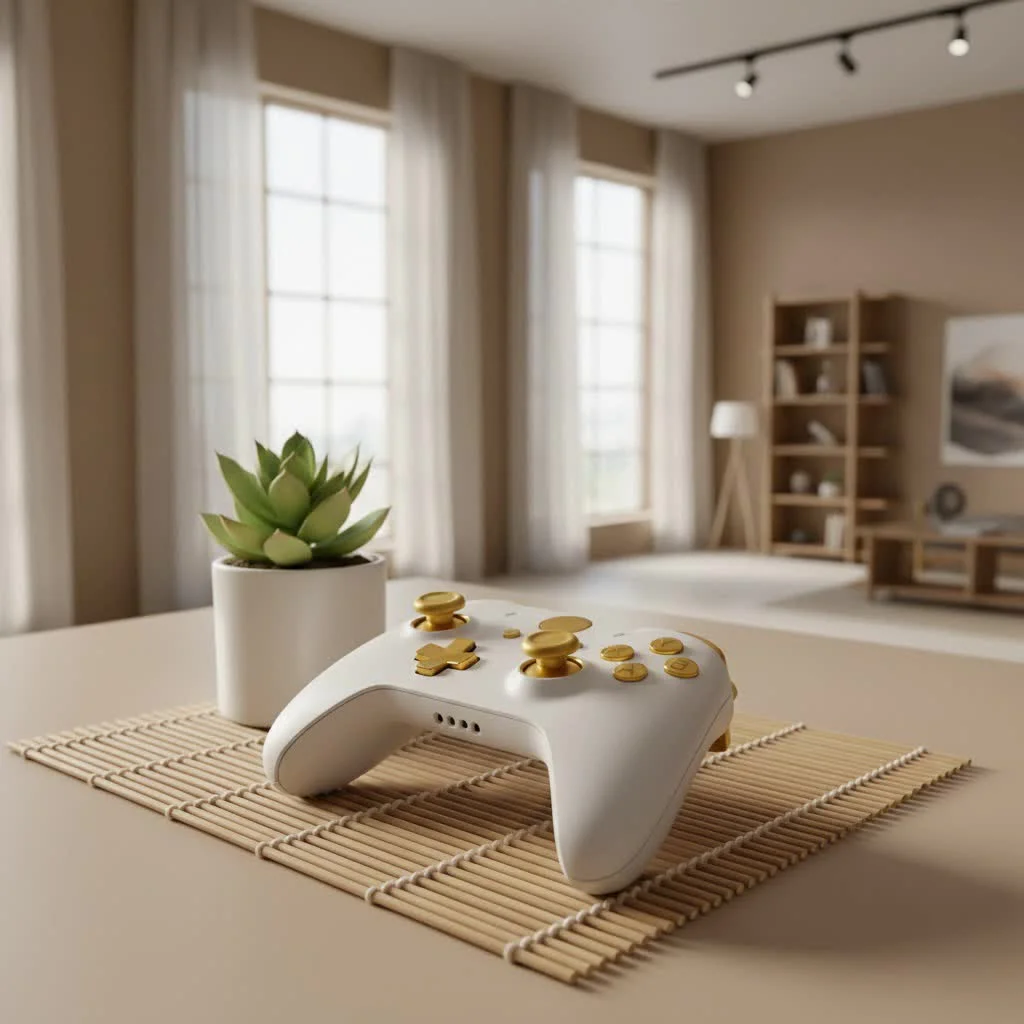
When Nintendo unveiled the Wii U, the GamePad with its integrated screen was the star of the show. It promised unique gameplay experiences, and it delivered on that front for many titles. However, not every game, nor every gamer, needed or wanted a bulky screen in their hands for every session. Enter the Wii U Pro Controller, a sleek, traditional gamepad designed to bring comfort and precision back to your Nintendo gaming. It was Nintendo’s nod to the “hardcore” gamer, offering a more conventional layout akin to what players were accustomed to on other consoles. For expert gaming controller reviews on this site.
Why Did Nintendo Create the Wii U Pro Controller?
Nintendo has always been a company that isn’t afraid to innovate, often redefining what a “controller” can be. From the revolutionary D-pad of the NES to the analog stick of the N64 and the motion controls of the Wii, they’ve consistently challenged the norm. The Wii U GamePad continued this tradition with its integrated touchscreen. But amidst this innovation, there was a clear demand for a more standard, ergonomic controller for extended play, especially for genres like action, fighting, and racing games. The Wii U Pro Controller filled this void perfectly, giving players the choice to embrace either groundbreaking new mechanics or traditional, comfortable gameplay.
Ergonomics and Design: Does It Fit Like a Glove?
The moment you pick up the Wii U Pro Controller, you’ll likely notice its striking resemblance to the venerable Xbox 360 controller. And honestly, that’s a huge compliment. Nintendo opted for a design with comfortable, rounded grips, making it a joy to hold even during marathon gaming sessions. While it shares a similar form factor, Nintendo put its own spin on the button layout. Unlike most other modern gamepads, the dual analog sticks on the Pro Controller are positioned parallel to each other, both residing above the D-pad and face buttons. This might take a little getting used to if you’re accustomed to PlayStation or Xbox layouts, but many players quickly adapt and find it surprisingly comfortable.
Let’s talk about the buttons themselves. The D-pad, in particular, often receives high praise for its responsiveness and tactile feedback, making it a fantastic choice for fighting games or precise platforming. The face buttons (A, B, X, Y) also offer dependable action with a smooth texture. The controller is available in both black and white, featuring a glossy finish on the front. While this can be a bit of a fingerprint magnet, it proves to be remarkably durable over time. On the flip side, the back of the controller often boasts a matte finish, providing a better grip. Small, recessed Home, Power, and Plus/Minus buttons are centrally located, though the proximity of the Power and Home buttons sometimes requires a moment of careful consideration.
It’s important to remember what the Wii U Pro Controller doesn’t have. To achieve its streamlined design and focus on traditional play, it foregoes several features found on the Wii U GamePad, including a touchscreen, motion control sensors, a camera, an NFC pad, a microphone, and a headphone jack. This simplified design is a deliberate trade-off for enhanced ergonomics and unparalleled battery life.
Unleashing Uninterrupted Gameplay: Battery Life and Connectivity
If there’s one feature that truly makes the Wii U Pro Controller stand out, it’s its absolutely phenomenal battery life. Forget those frequent charging interruptions that plague many modern controllers. The Pro Controller boasts an astonishing 80 hours of playtime on a single charge! To put that into perspective, you could potentially go weeks, or even months, between charges depending on your gaming habits. This incredible longevity is thanks to its efficient design and the 1300 mAh CTR-003 battery, the very same one found in the Nintendo 3DS.
Charging the controller is straightforward; it utilizes a standard Mini USB cable, which can be plugged directly into the Wii U console itself or any other device with a USB port that provides power. Connectivity is handled wirelessly via Bluetooth, ensuring a stable and lag-free connection to your Wii U console. Pairing the controller is a breeze, much like syncing a Wii Remote: simply press the Sync button on both the console and the controller, and you’re good to go. The row of four lights on the bottom edge will indicate its connection status and player assignment.
Performance on the Battlefield: Responsiveness and Limitations
When it comes to in-game performance, the Wii U Pro Controller generally delivers. The analog sticks offer smooth gliding, and the buttons, triggers, and D-pad are all responsive, providing satisfying tactile feedback. For many players, especially those who appreciate precision in fast-paced action games, this controller felt like a breath of fresh air compared to the larger GamePad.
However, no controller is perfect, and the Wii U Pro Controller has a couple of quirks. The ZL and ZR shoulder buttons, while solid, are digital triggers rather than analog. This means they only register an “on” or “off” input, lacking the pressure sensitivity that analog triggers provide. For games like racing titles that often rely on nuanced acceleration or braking, this can be a minor drawback. Furthermore, competitive players in games like Super Smash Bros. for Wii U sometimes noted that the Pro Controller had a slightly higher input latency compared to a GameCube controller or even a Wii Remote, though for most casual and even many serious players, this difference was barely perceptible.
“The Wii U Pro Controller truly offered the best of both worlds,” shares gaming hardware specialist, Alex Chen. “It provided that familiar, comfortable grip for traditional gameplay while still integrating seamlessly into Nintendo’s unique ecosystem. Its battery life alone was a game-changer for many.”
Wii U Pro Controller vs. GamePad: Choosing Your Weapon
This is the eternal question for many Wii U owners: which controller is right for the job? The answer, as often is the case, depends on the game and your personal preference.
Choose the Wii U Pro Controller when:
- You prioritize classic, ergonomic comfort for long gaming sessions.
- You’re playing action games, fighting games, or platformers that benefit from precise traditional controls (e.g., Bayonetta 2, Super Mario 3D World, Mario Kart 8, Super Smash Bros. for Wii U, The Wonderful 101, Hyrule Warriors).
- You want an incredibly long battery life and fewer charging interruptions.
- You prefer a lighter controller over the bulk of the GamePad.
- You’re engaging in local multiplayer where multiple traditional controllers are desired.
The Wii U GamePad remains indispensable when:
- A game requires its unique second-screen functionality (e.g., maps, inventory management in The Legend of Zelda: Wind Waker HD).
- A game heavily utilizes its touchscreen for specific mechanics (e.g., level creation in Super Mario Maker, specific puzzle elements).
- You want to enjoy off-TV play, allowing you to game without hogging the main screen.
- Motion controls, the built-in microphone, or the front-facing camera are integral to the gameplay experience.
Many gamers found themselves reaching for the Wii U Pro Controller for the vast majority of their playtime, only switching to the GamePad when a specific title truly demanded its unique features.
Compatibility: What You Need to Know
The Wii U Pro Controller is designed to work seamlessly with the Nintendo Wii U console. It supports most Wii U games, whether they’re physical retail copies or digital downloads from the Nintendo eShop. This also extends to all Wii U Virtual Console titles. You can connect up to four Pro Controllers simultaneously, and some games, like Super Smash Bros. for Wii U, even allow for more than seven controllers in various combinations with Wii Remotes.
However, here’s a crucial piece of information that often catches people off guard: the Wii U Pro Controller is NOT compatible with original Wii games or any Wii Virtual Console titles played through Wii Mode on the Wii U. This is a common point of confusion, so always check the back of your game packaging for controller compatibility icons. While not officially supported, some clever enthusiasts have found ways to use the Wii U Pro Controller with PCs via wired connections and third-party drivers, extending its utility beyond its original console.
Is the Wii U Pro Controller Still Worth It?
Even years after its initial release, the Wii U Pro Controller holds a special place in the hearts of many Nintendo fans. For those who still cherish their Wii U console, it remains an excellent investment, offering a superior ergonomic experience and remarkable battery life that can genuinely enhance your gaming. While the console itself may no longer be in production, the legacy of the Pro Controller lives on through its spiritual successor, the Nintendo Switch Pro Controller, which borrowed many of its best qualities. If you’re looking to revisit your Wii U library or simply want the most comfortable and reliable way to play many of its classic titles, the Wii U Pro Controller is an essential piece of hardware that delivers a truly great gaming experience.
Frequently Asked Questions about the Wii U Pro Controller
Q: What is the main difference between the Wii U Pro Controller and the Wii U GamePad?
|
Our Picks for the Best Game Controller in 2026
As an Amazon Associate I earn from qualifying purchases.
|
||
| Num | Product | Action |
|---|---|---|
| 1 | Logitech G F310 Wired Gamepad Controller Console Like Layout 4 Switch D-Pad PC - Blue/Black |

|
| 2 | 8BitDo Ultimate 2C Wireless Controller for Windows PC and Android, with 1000 Hz Polling Rate, Hall Effect Joysticks and Triggers, and Remappable L4/R4 Bumpers (Green) |
|
| 3 | VOYEE Switch Controllers Compatible with Switch/Lite/OLED/PC Windows, 1000mAh Programmable RGB Lightning LED, Wireless Pro Controller with One Key Pairing/Wake Up/Turbo/Vibration |
|
| 4 | 8BitDo Ultimate 2 Wireless Controller for Windows PC, Apple, Steam & Android, Gaming Controller with TMR Joysticks, Hall/Tactile Triggers, Motion Control, RGB Fire Ring, 1000Hz Polling Rate, Black |
|
| 5 | ManbaOne Interactive Screen Wireless Gaming Controller for PC/Switch/Switch 2/iOS/Android,Hall Effect Stick & Trigger,RGB Lighting,Remappable Buttons,1800mAh with Charging Dock (Black) |
|
| 6 | Xbox Elite Series 2 Core Wireless Gaming Controller – White Series X-S, One, Windows PC, Android, and iOS |
|
| 7 | EasySMX X15 PC Controller - Enhanced Wireless Bluetooth Controller with Hall Joysticks/Hall Triggers/RGB Lighting - No Stick Drift, No Dead Zone - Work for Windows PC, Android, Steam and Switch |
|
| 8 | Spican Switch 2 Controller, Switch 2 Accessories Wireless Pro Controller with No-drift Hall Effect Joystick, 4 RGB Mode, 10H+ Battery, Turbo&Macro, Full-Size Hand-Curve Design Comfort for Nintendo Switch 2 Games |
|
| 9 | AceGamer Aurora II 2.4G Wireless Bluetooth Controller for PC/Android/Switch/iOS/Switch 2/Steam Deck with Rotary Motors, RGB Hall Effect Joysticks - Upgraded PC Gaming Controller and Back Buttons Lock |
|
| 10 | PlayStation DualSense® Wireless Controller - Midnight Black |
|
A: The main difference is that the Wii U Pro Controller offers a traditional, ergonomic gamepad design for comfortable, extended play with exceptional battery life, while the Wii U GamePad features a large screen, touchscreen functionality, motion controls, and other unique elements essential for specific Wii U games and off-TV play.
Q: Can I use the Wii U Pro Controller to play original Wii games?
A: No, the Wii U Pro Controller is not compatible with original Wii games or Wii Virtual Console titles accessed through Wii Mode on the Wii U console. It is designed specifically for Wii U software.
Q: How long does the battery last on a Wii U Pro Controller?
A: The Wii U Pro Controller boasts an impressive battery life of up to 80 hours on a single charge, making it one of the longest-lasting console controllers ever released.
Q: Is the Wii U Pro Controller wireless?
A: Yes, the Wii U Pro Controller connects wirelessly to the Wii U console via Bluetooth. It can also be charged using a Mini USB cable.
Q: Does the Wii U Pro Controller have motion controls?
A: No, the Wii U Pro Controller does not include motion control sensors, a camera, an NFC pad, a microphone, or a headphone jack, differentiating it from the feature-rich Wii U GamePad.
Q: Which games are best played with the Wii U Pro Controller?
A: Many action-oriented games, fighting games, and platformers benefit greatly from the Pro Controller’s traditional layout and comfort, including titles like Super Mario 3D World, Mario Kart 8, Super Smash Bros. for Wii U, Bayonetta 2, and Hyrule Warriors.
Q: Can I use the Wii U Pro Controller on a PC?
A: While not officially supported, some users have found ways to use the Wii U Pro Controller with a PC via a wired connection and third-party drivers, allowing for unofficial compatibility with PC games.
Get our weekly buyer guide
Practical specs, not advice. Unsubscribe anytime.
